

Feeds & folders
Subscribe to RSS and Atom feeds, discover them automatically and organize them into folders.
Open Source / RSS + MCP
Your sources. Your pace. Your server.
FeedKeeper brings RSS and Atom feeds into a focused web reader. Own your subscriptions, read on any screen and connect your news to AI tools when you choose — no cloud account required.
01 // The Reader
FeedKeeper helps you find and organize sources, read online and offline, and keep important articles for later.
Subscribe to RSS and Atom feeds, discover them automatically and organize them into folders.
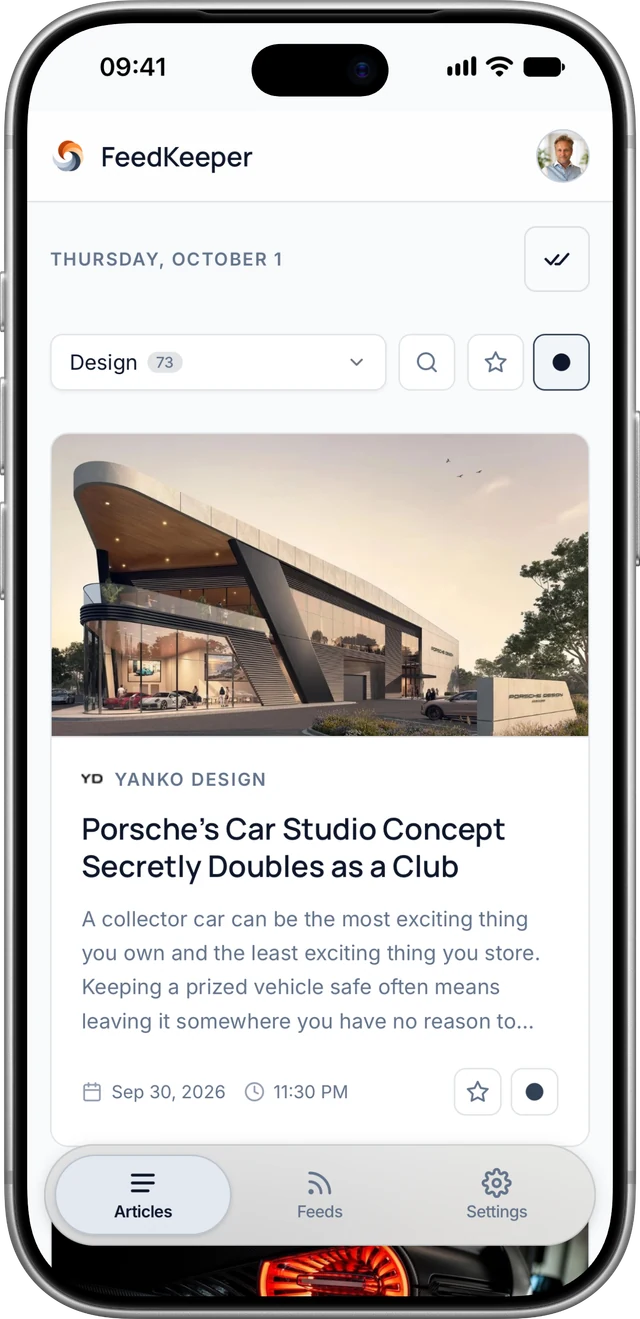
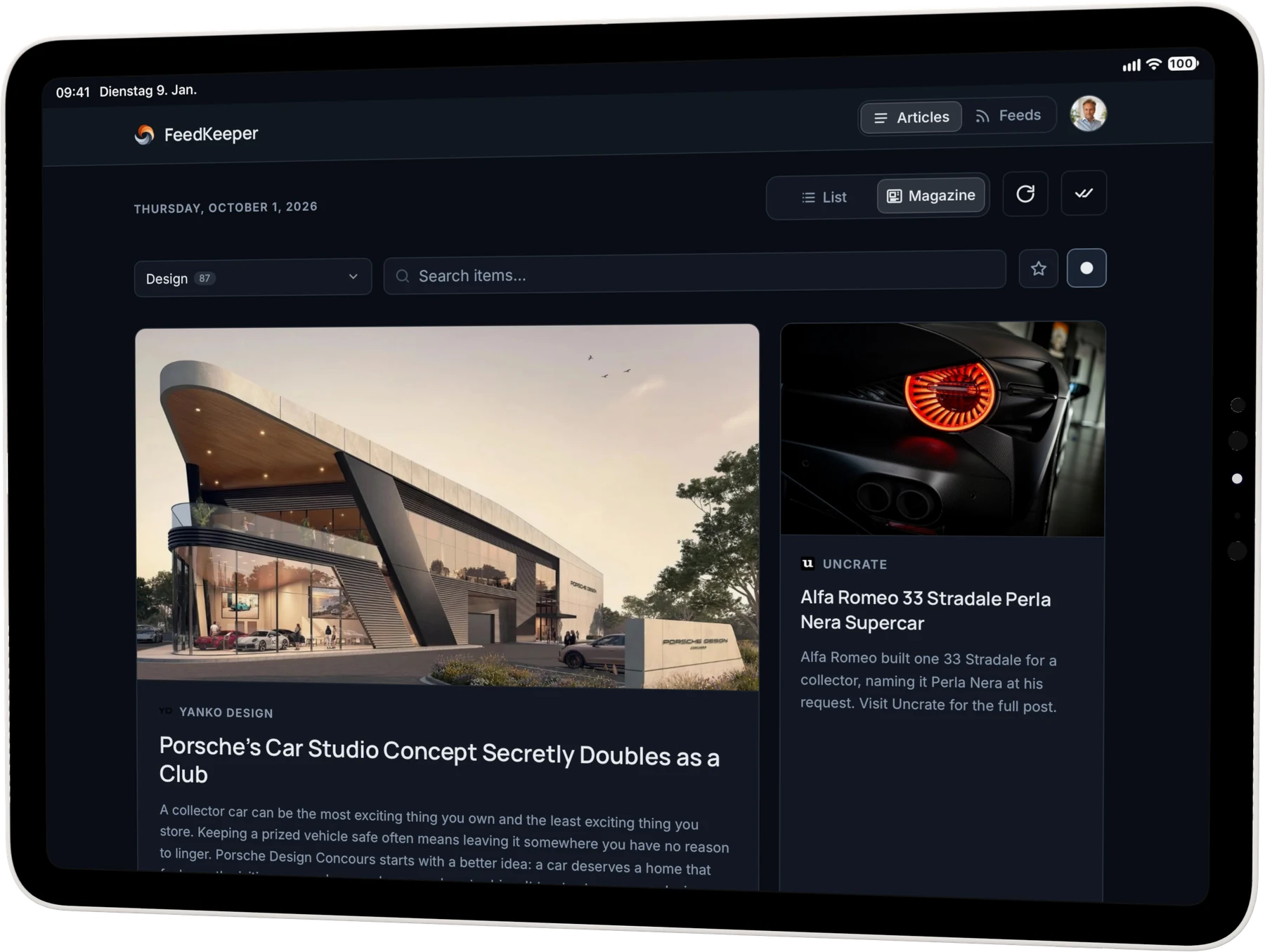
Choose list or magazine view on larger screens; phones use magazine view. Search and read status are built in, with full-text fetch on demand.
Saved articles retain their full text and images, even if the source removes them later. You can still search them.
Saved and the newest unread articles stay on your device with text and images. Read and save changes are sent when you reconnect.
Push notifications for new articles are optional per feed and device. The unread count on the app icon can also be enabled per feed. On iPhone and iPad, add the web app to the home screen first; push uses your browser's service.
Mute articles about unwanted topics with your own keywords.
Import or export subscriptions with OPML. Your sources stay portable.
Personal tokens give compatible AI tools read-only or read-write access to your feeds.
One Node.js process, SQLite and an archive folder on your server. Accounts stay isolated; backups include the database and archived images.
02 // The Interface
Use the web app in a browser or add it to your home screen. Previously loaded content opens offline; pending changes are sent and your devices sync when you reconnect.
03 // Architecture
FeedKeeper runs on your own server or Raspberry Pi. The web UI, feed polling and MCP endpoint live in one process. Feeds, accounts and articles are stored in SQLite, with archived images in a folder beside the database.
04 // Installation
Docker Compose pulls the prebuilt image for amd64 or arm64 and starts FeedKeeper without a local build. Then open http://localhost:3000 to create your first account.
Guide on GitHubmkdir feedkeeper && cd feedkeeper
curl -fsSLO https://raw.githubusercontent.com/visualfusion/feedkeeper/main/compose.yaml
echo "SESSION_SECRET=$(openssl rand -hex 32)" > .env
docker compose up -dThese commands download compose.yaml and generate a random SESSION_SECRET in .env. Before making the instance public, set PUBLIC_URL in .env to your domain.
MIT / OPEN SOURCE
Whether it's a new project, a redesign, or strategic consulting — fill out the form or use the contact details below.